ArtFonts: Stylish Text
Galaxy studio apps
Downloads
5,000,000+
Version
Latest
Click to download now, finish the installation quickly, and directly unlock the all-round experience
Screenshots
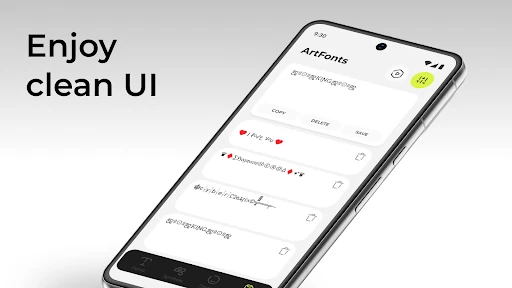
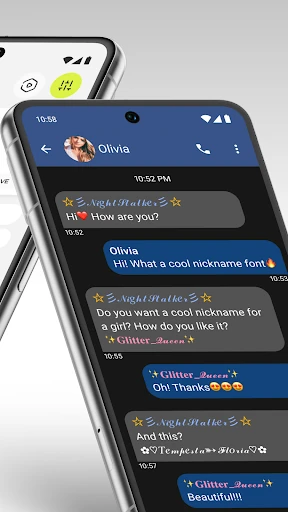
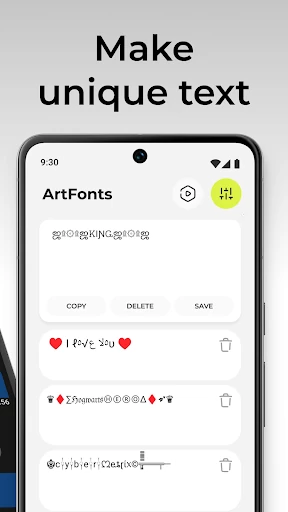
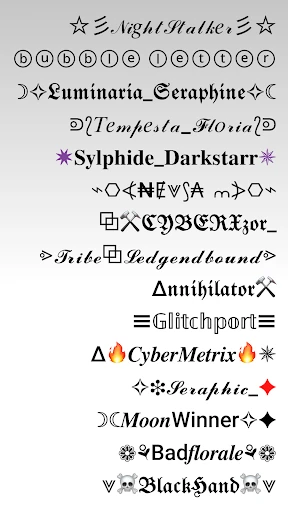
Click to download now, finish the installation quickly, and directly unlock the all-round experience
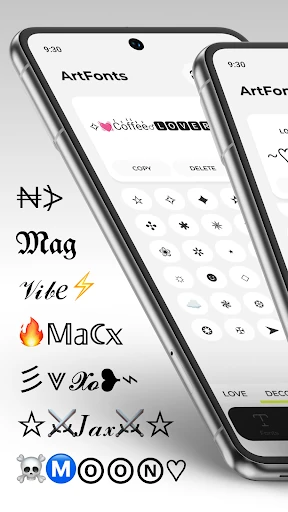
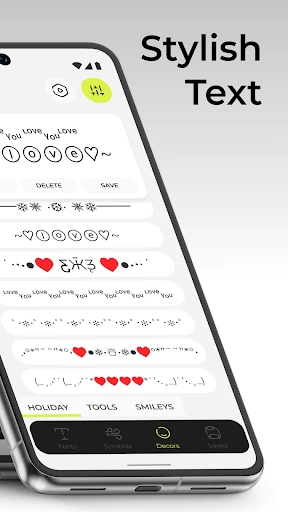
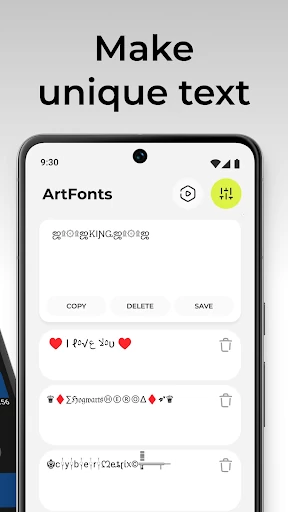
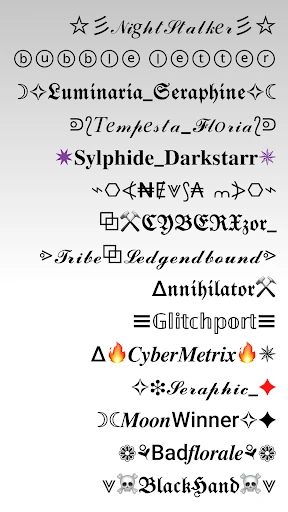
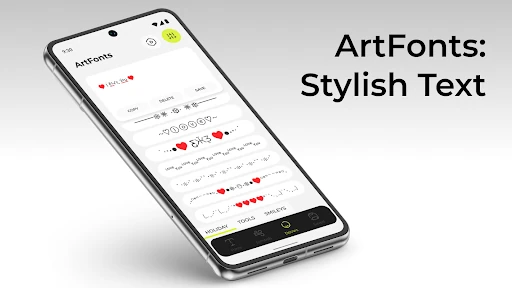
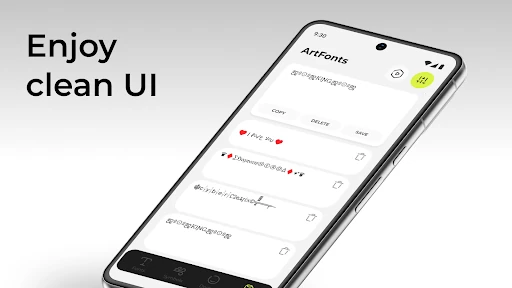
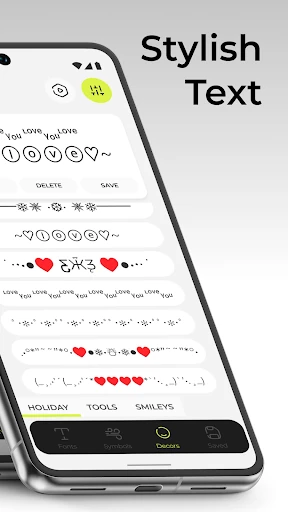
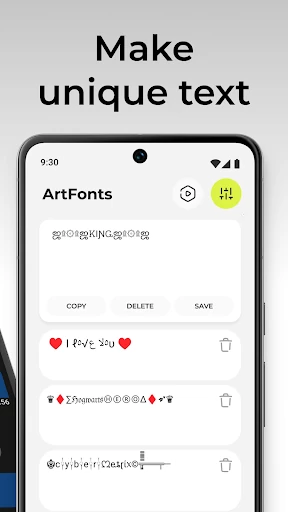
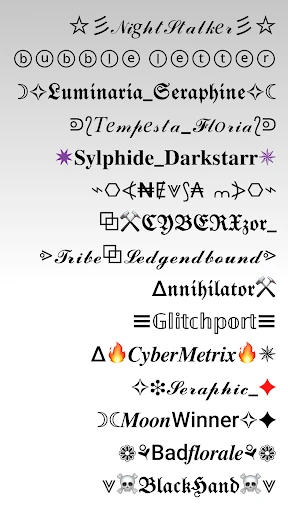
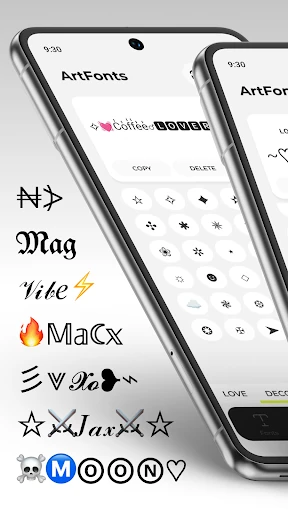
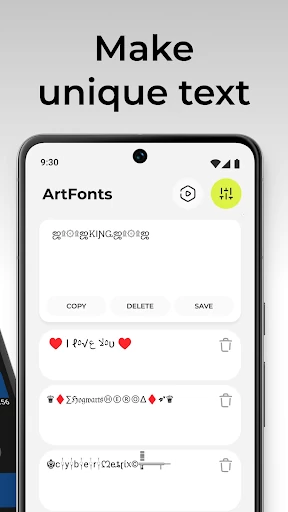
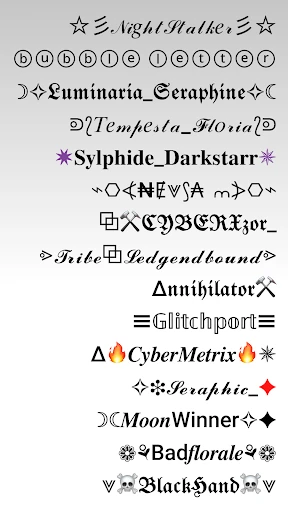
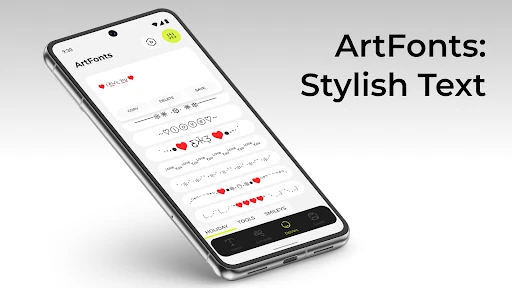
ArtFonts: Stylish Text turns ordinary words into decorative text for profiles, messages, captions, comments, and other places where plain lettering feels too ordinary. It is aimed at Android users who want to add personality to short pieces of text without changing the rest of their phone’s appearance.
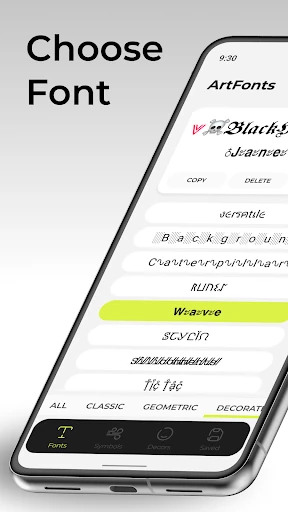
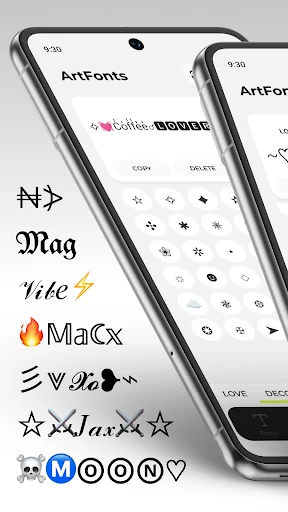
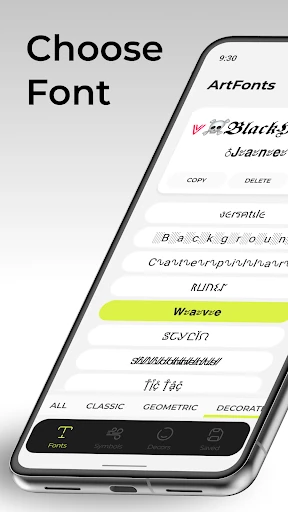
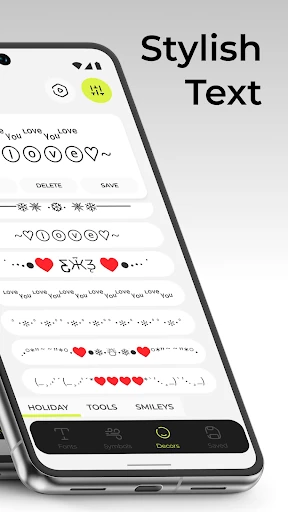
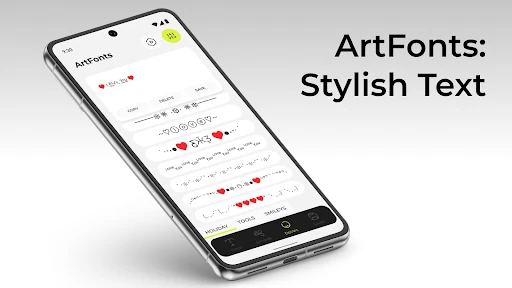
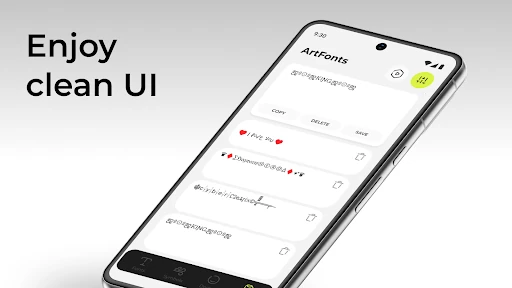
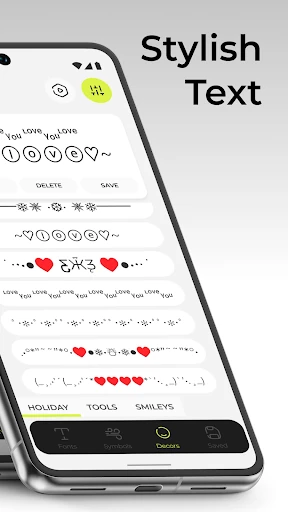
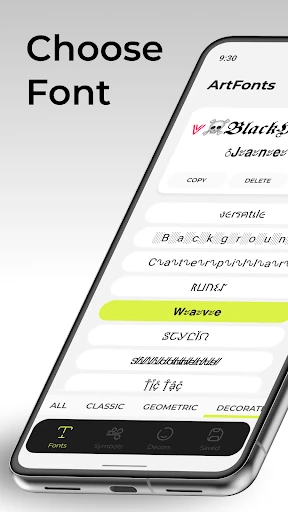
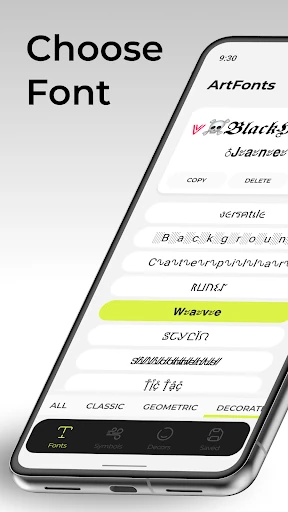
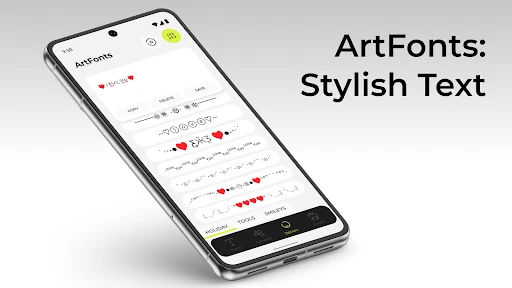
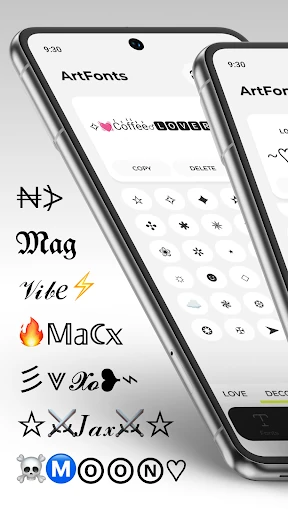
The app brings together a broad selection of font styles, including playful, bold, decorative, and more elegant-looking options. You can also combine styled lettering with symbols and emoji to create text that suits a mood, username, greeting, or social post. The focus is on quick experimentation: enter your words, try different looks, and choose the version that fits.
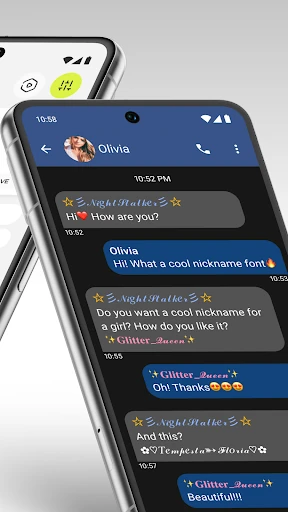
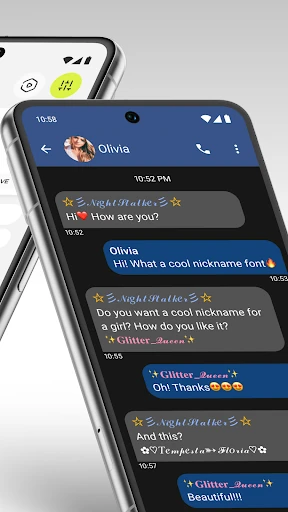
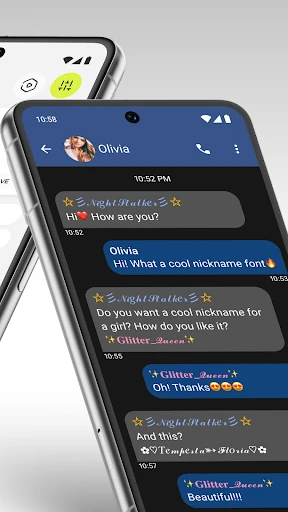
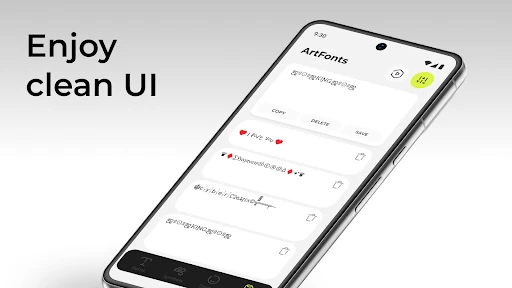
ArtFonts is best suited to small bursts of text rather than long documents. Use it when you want to refresh a social profile, make a message more distinctive, or give a caption a different visual character. Since the resulting text is designed for use in other apps, it can work as a lightweight personalization tool across common messaging and social platforms.
With more than 5,000,000 installs and a 4.7 rating from over 76,000 reviews, ArtFonts has found a substantial audience among people who enjoy customizing how their words look. That does not make every style useful, but it does suggest the app serves its narrow purpose well. Developed by Galaxy studio apps, it belongs in the Personalization category for users who want expressive text without committing to a full keyboard or system-wide font change.