Cast to TV+ Chromecast Roku TV
Castify
Downloads
10,000,000+
Version
Latest
Click to download now, finish the installation quickly, and directly unlock the all-round experience
Screenshots
Click to download now, finish the installation quickly, and directly unlock the all-round experience
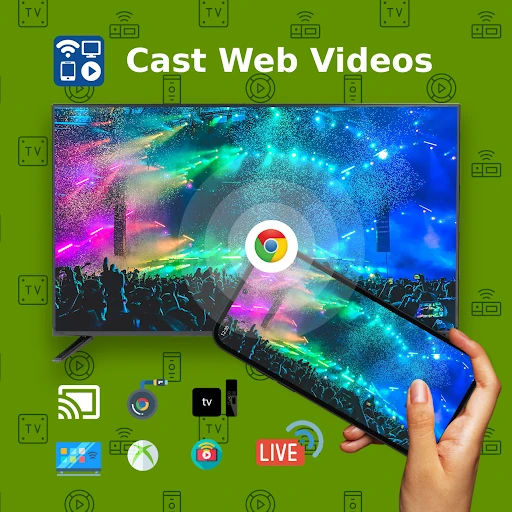
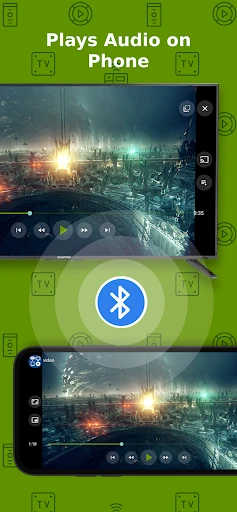
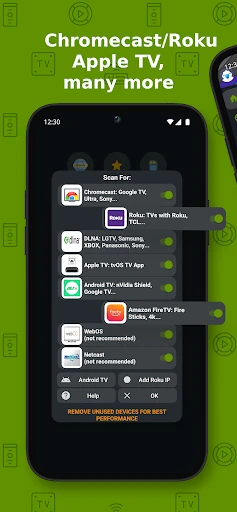
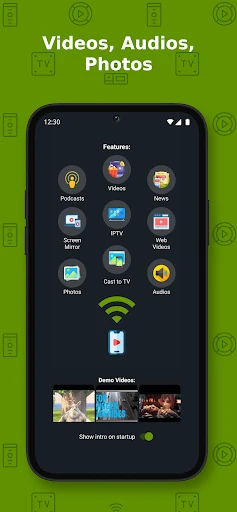
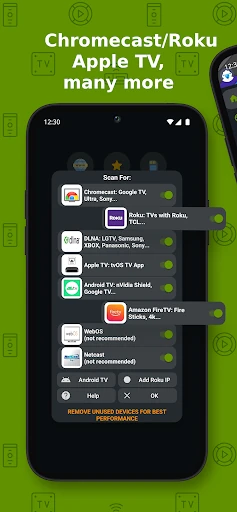
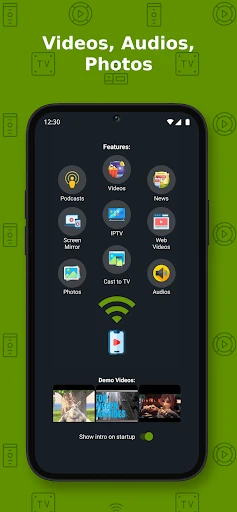
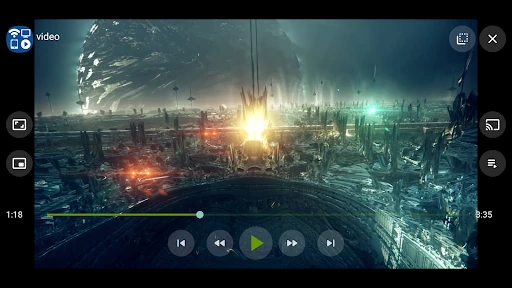
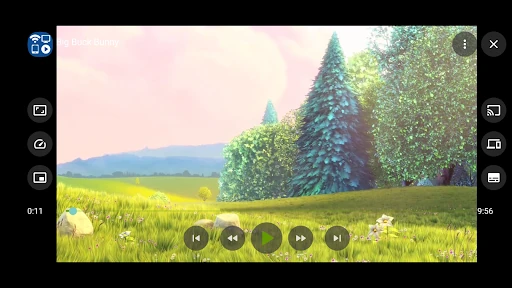
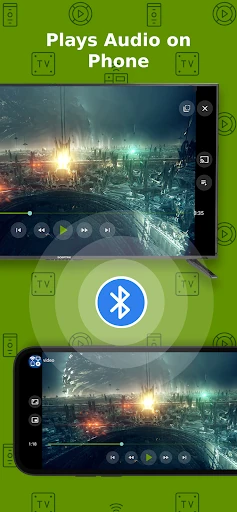
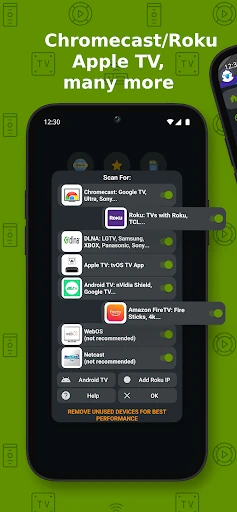
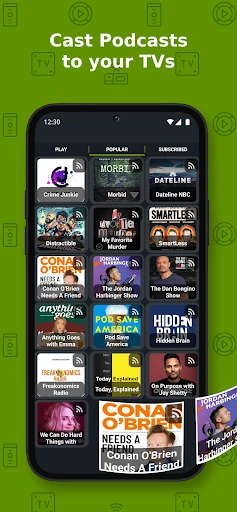
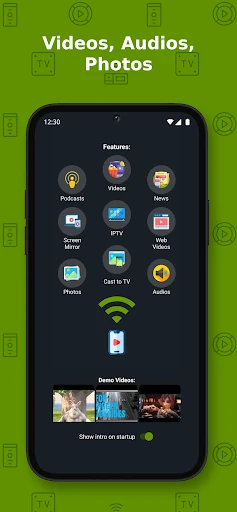
Cast to TV+ Chromecast Roku TV lets you play videos, music, podcasts and photos from an Android phone or tablet on a larger screen. It is aimed at people using Chromecast or Roku, with support for compatible Fire TV devices, Xbox consoles, DLNA receivers, smart TVs and web browsers as well.
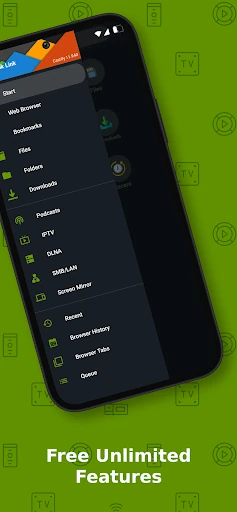
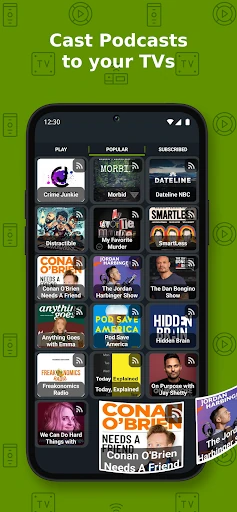
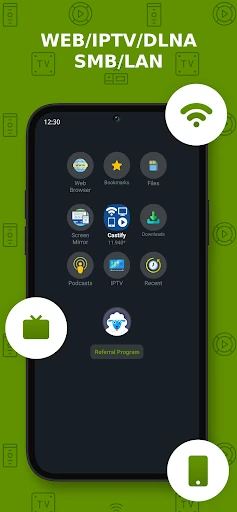
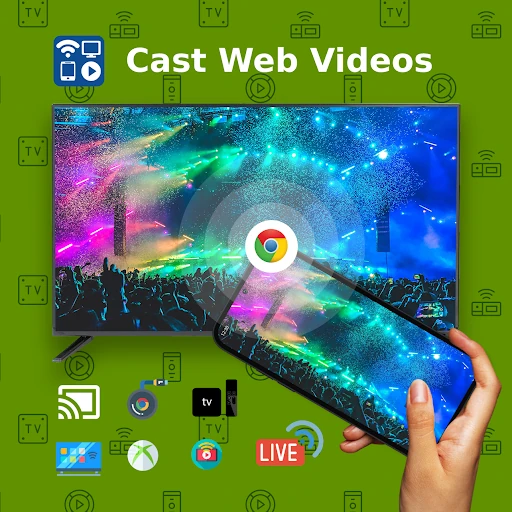
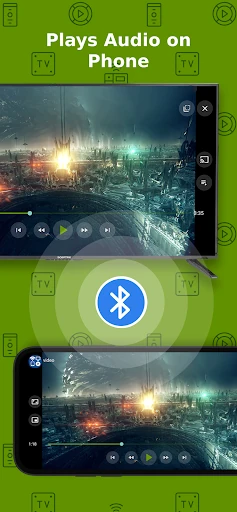
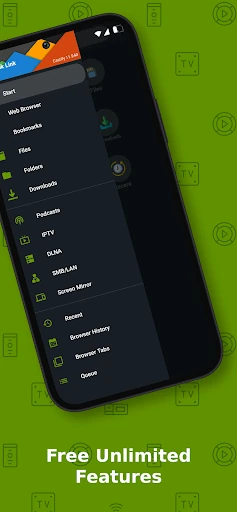
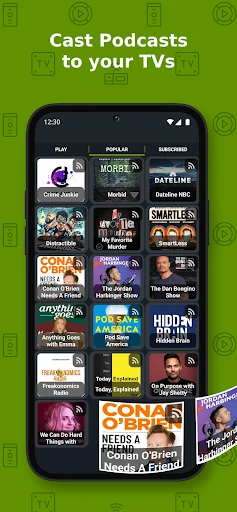
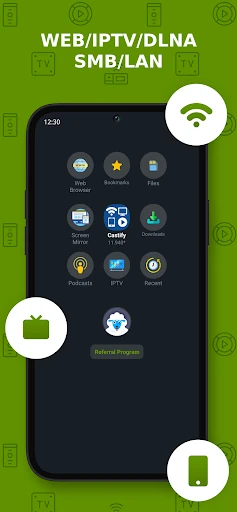
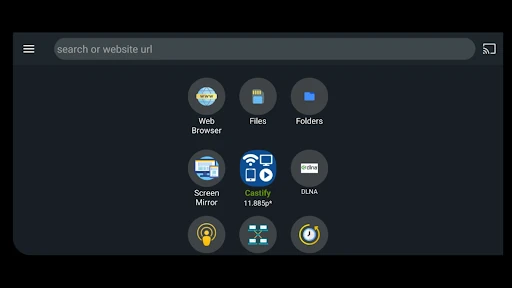
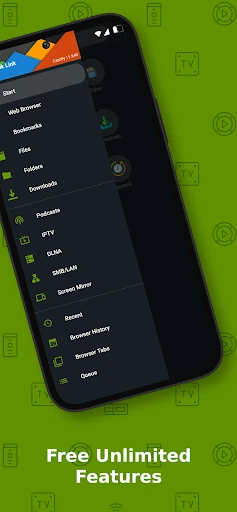
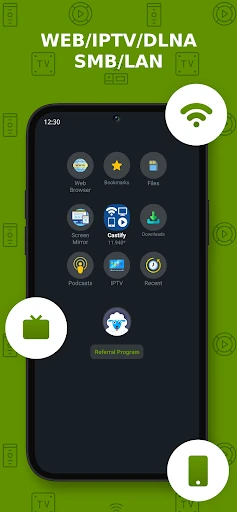
The app can use files stored on your phone, playable videos from websites, IPTV playlists, podcasts, DLNA servers and shared storage such as SMB, Samba, NAS or LAN sources. Its built-in browser can search websites, identify supported video or audio, and either play the content on the phone or send it to a connected receiver. Bookmarks and a popup blocker are included for browsing.
Castify identifies Chromecast and Roku as its strongest integrations, including Chromecast models and Roku streaming players or Roku TV. Other receivers may expose fewer controls or casting options, depending on their capabilities. Screen mirroring also depends on the Android device and receiver, so it is not available in every setup.
The app is published by Castify in Video Players & Editors. It has a 4.59 rating from 83,758 reviews and more than 10 million installs, giving it a substantial user base. Core features are available without charge; the paid option removes advertising rather than adding a separate set of essential casting tools.