Click to download now, finish the installation quickly, and directly unlock the all-round experience
Screenshots


Click to download now, finish the installation quickly, and directly unlock the all-round experience
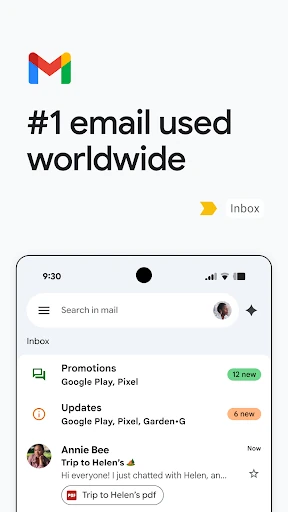
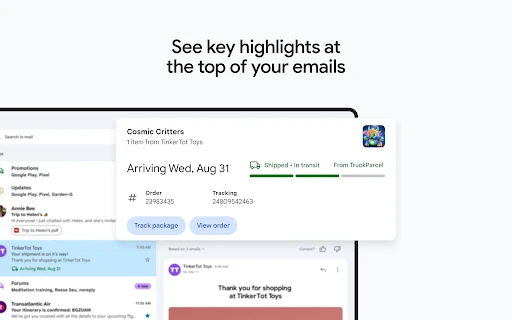
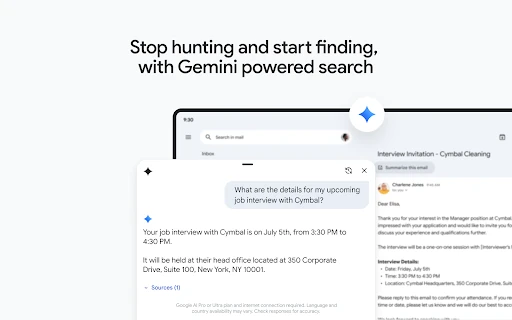
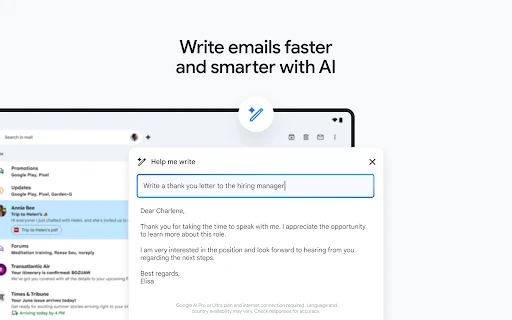
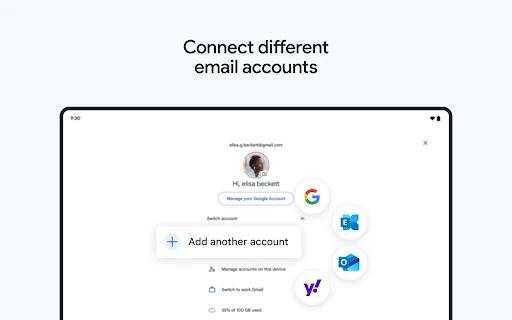
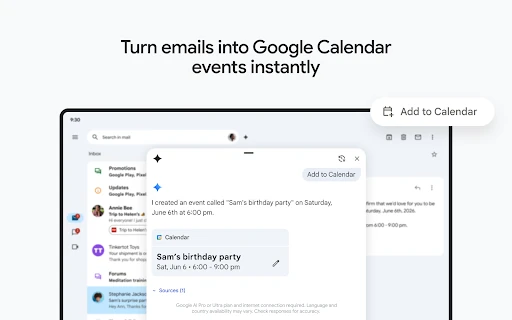
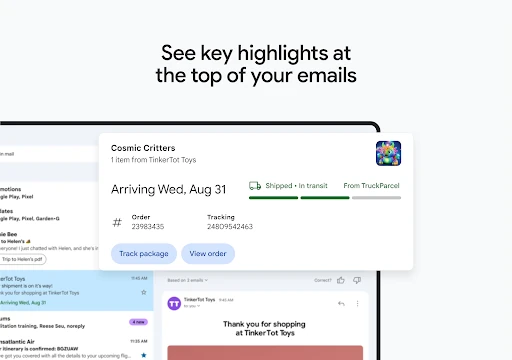
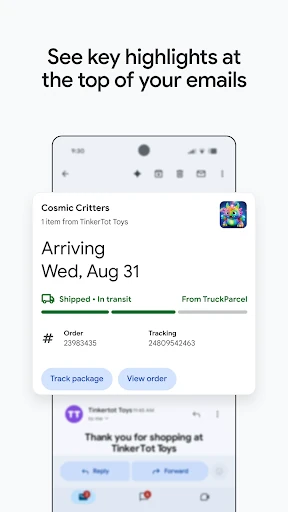
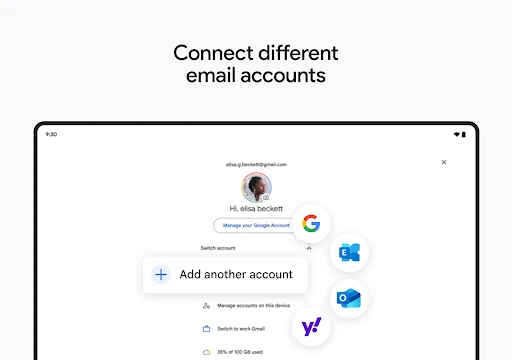
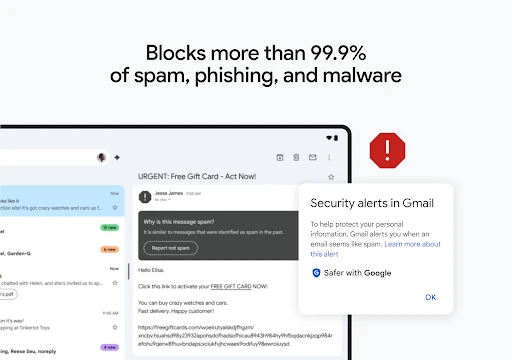
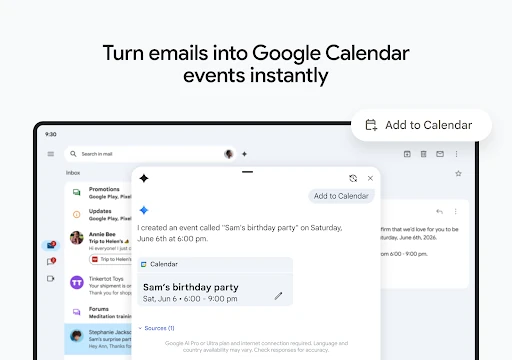
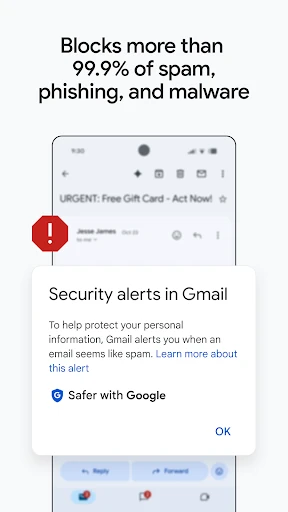
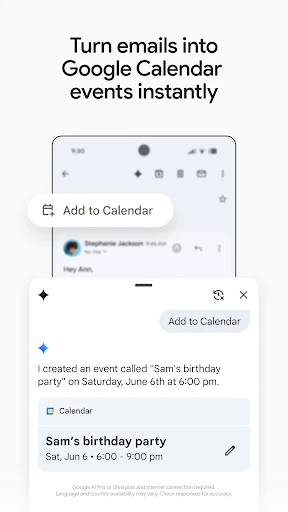
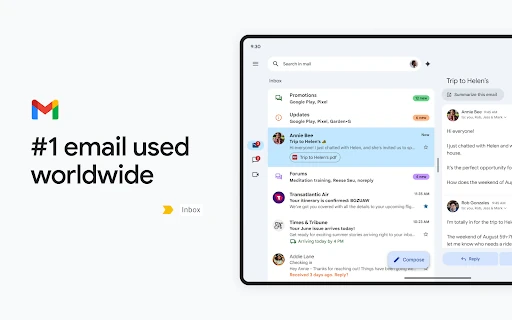
Gmail is Google’s email app for reading, sending, organising and searching messages on Android. It suits people managing personal correspondence, work conversations, newsletters and several inboxes from one place. The app connects closely with Google services, so email remains useful when a message includes a meeting, shared document or travel detail.
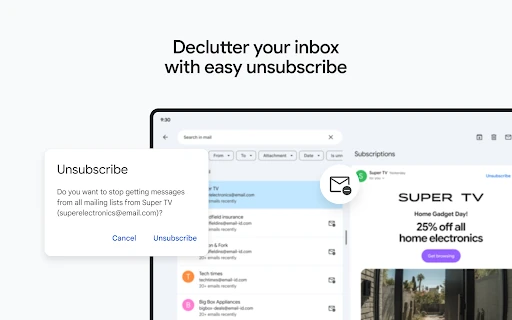
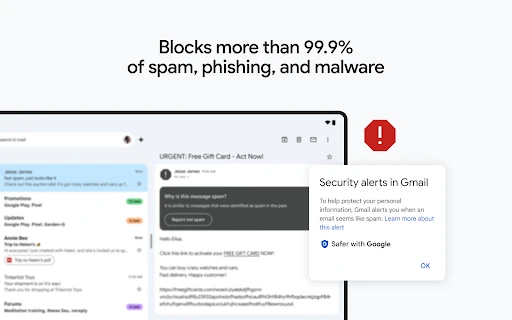
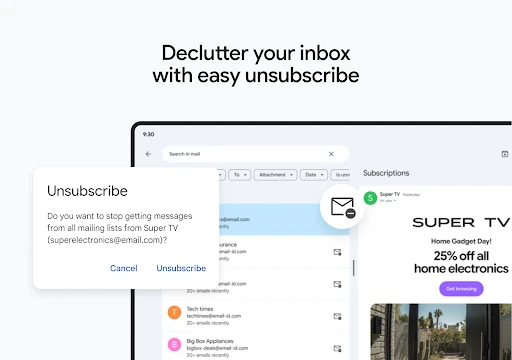
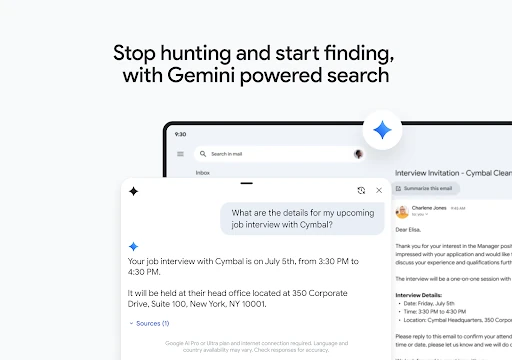
Gmail is a practical choice for Android users already using Google services, as well as anyone who wants strong search and automatic filtering rather than a bare message reader. It works for quick replies on the move and for handling a large archive over time. The additional Workspace tools may feel unnecessary if you only need a simple personal inbox.
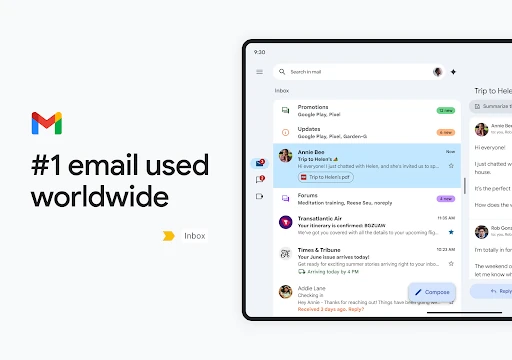
Developed by Google LLC, Gmail is listed in Communication and has more than 10 billion installs. Its rating is 4.11 from over 14.1 million reviews, reflecting its broad use across personal and professional email. The main reason to choose it is not novelty: it is a familiar, capable inbox that combines dependable organisation with access to Google’s wider communication tools.