
Click to download now, finish the installation quickly, and directly unlock the all-round experience
Screenshots
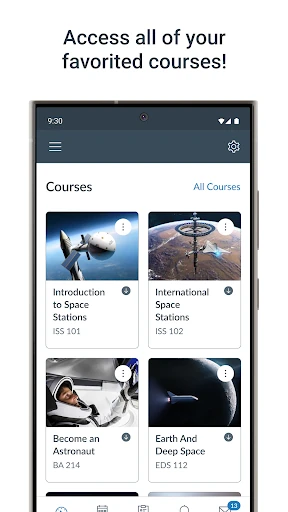
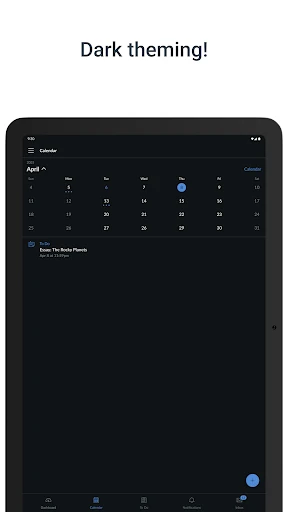
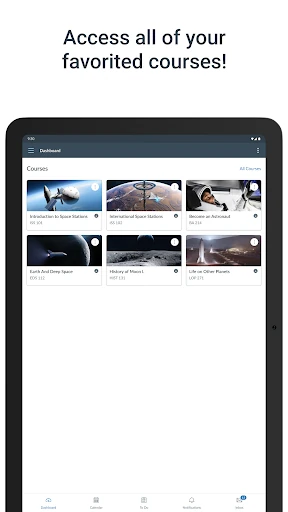
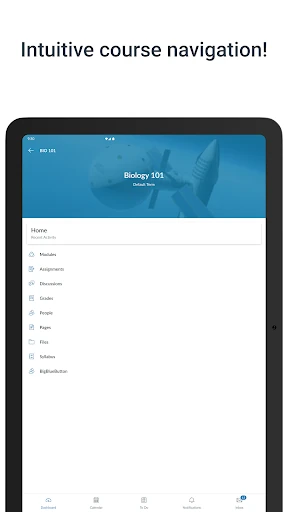
Click to download now, finish the installation quickly, and directly unlock the all-round experience
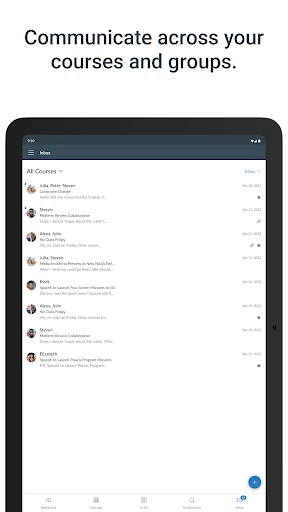
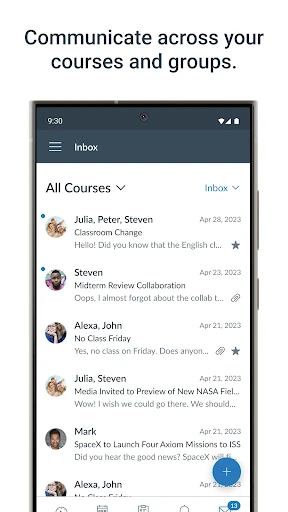
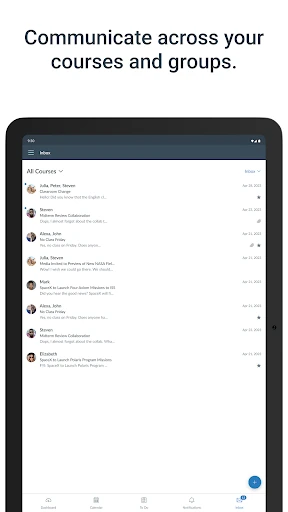
Canvas is a mobile learning management app for students and instructors using Canvas at their school, college, or training provider. It brings course materials, assignments, grades, messages, and notifications into one place, so users can keep up with classes without relying on a desktop browser for every task.
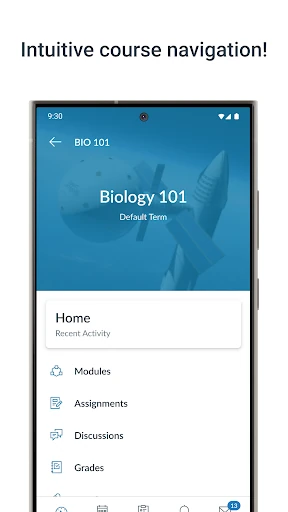
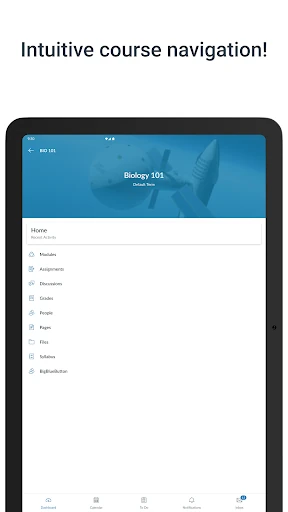
Students can open course modules, watch class videos, take quizzes, and submit assignments from an Android device. Once grades or instructor comments are posted, they can be viewed in the relevant course. This makes Canvas a practical companion for checking feedback, confirming submission status, and keeping track of work between classes.
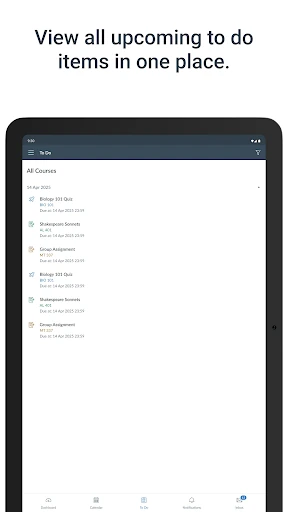
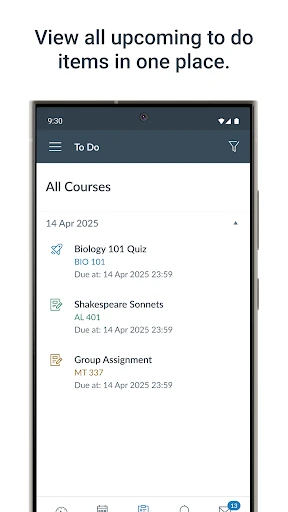
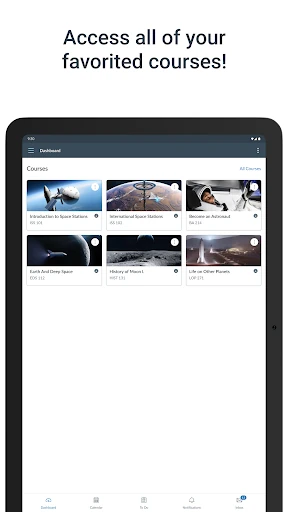
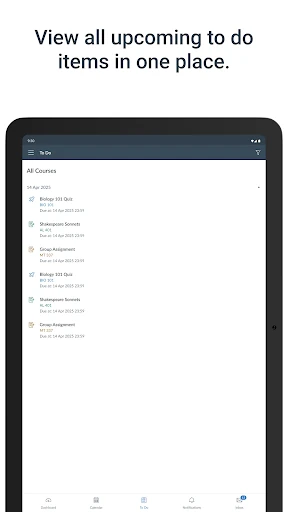
The app is most useful when an institution already runs its classes through Canvas. Its course-based layout helps separate subjects and surface upcoming work, while notifications can draw attention to new grades, messages, announcements, and approaching deadlines. Navigation may feel deeper when a course has many modules, but the structure is designed for regular academic use rather than casual browsing.
Canvas has a 4.60 rating from more than 219,000 reviews and 10,000,000+ installs, giving it a substantial track record among education apps. Developed by Instructure, it earns its place for covering the core routines of digital coursework: finding material, completing assignments, checking progress, and staying in contact with a class.