Click to download now, finish the installation quickly, and directly unlock the all-round experience
Screenshots


Click to download now, finish the installation quickly, and directly unlock the all-round experience
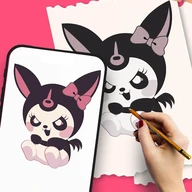
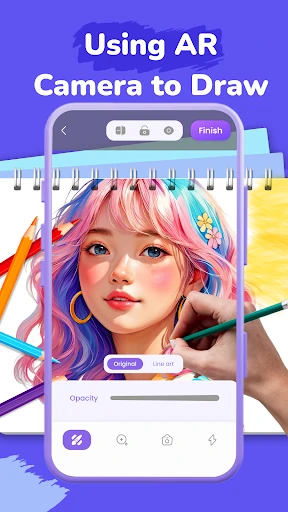
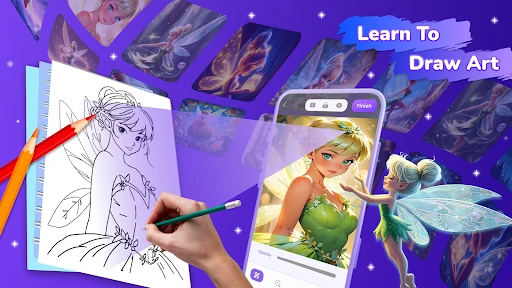
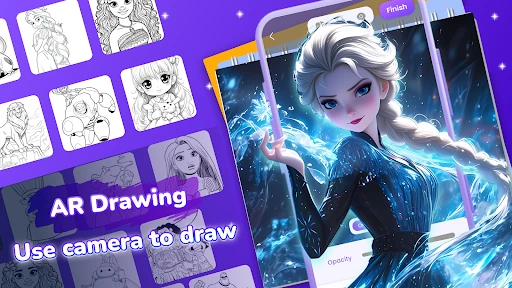
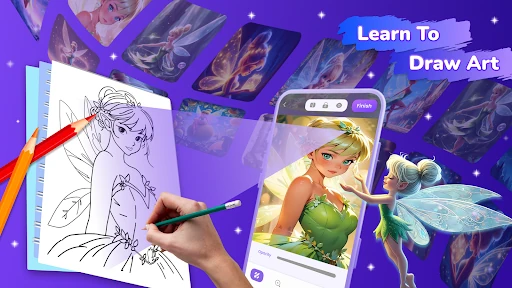
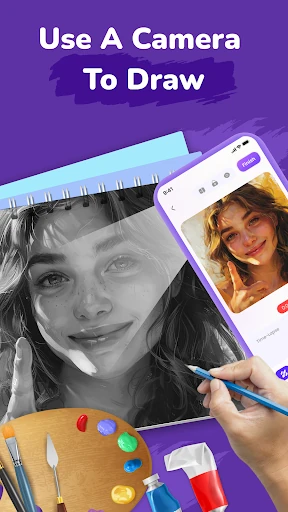
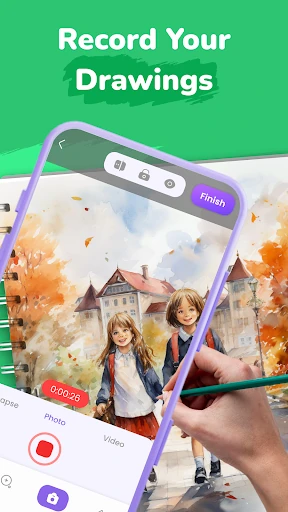
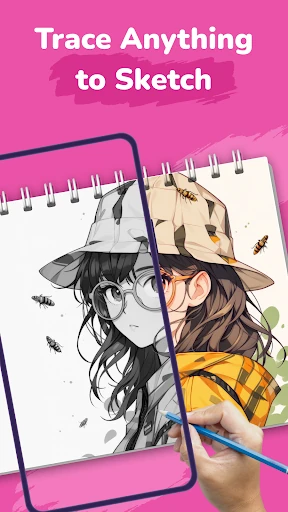
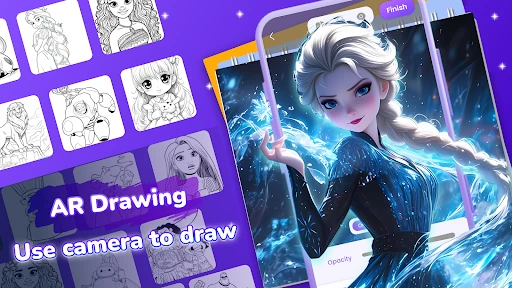
AR Sketch: Trace Drawing uses your phone’s camera and augmented reality to help you copy an image onto paper. Choose a template, position the phone above your drawing surface, and follow the visible lines with a pencil or pen. It suits beginners who want guidance, children learning basic shapes, and artists looking for a practical way to study outlines and proportions.
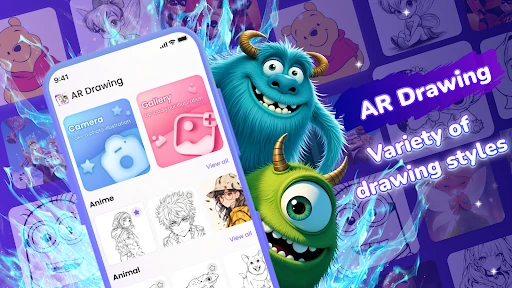
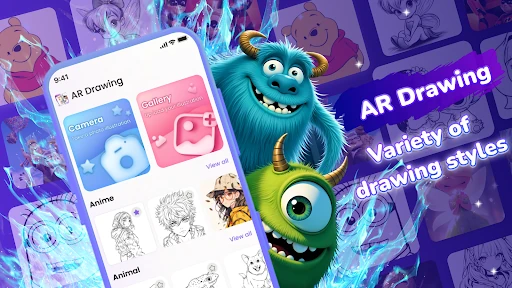
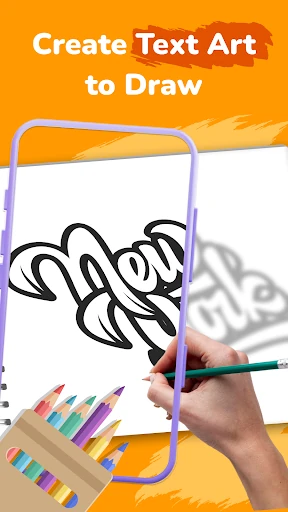
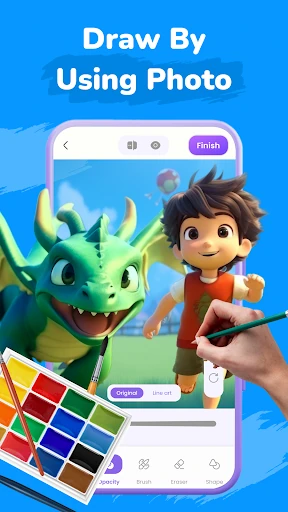
The app includes traceable designs across subjects such as anime, tattoos, cars, and other illustrations. You can also upload an image from your device and use it as the basis for a tracing project. Image controls such as opacity adjustment help you balance the reference with the paper beneath it, while a flashlight option can improve visibility in darker surroundings.
Alongside freehand tracing, AR Sketch: Trace Drawing offers step-by-step drawing lessons and dot-to-dot activities. These give newer artists a more structured way to practise, while the broader template library provides subjects to return to as their confidence improves. The app can also record the drawing process as a time-lapse, making it easier to review or share the finished work.