Click to download now, finish the installation quickly, and directly unlock the all-round experience
Screenshots
Click to download now, finish the installation quickly, and directly unlock the all-round experience
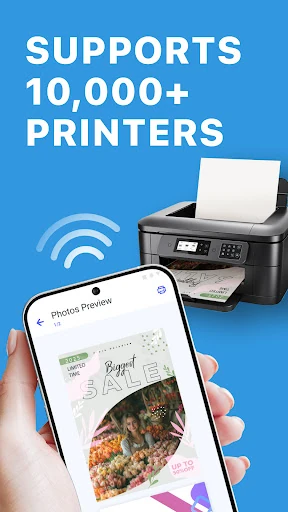
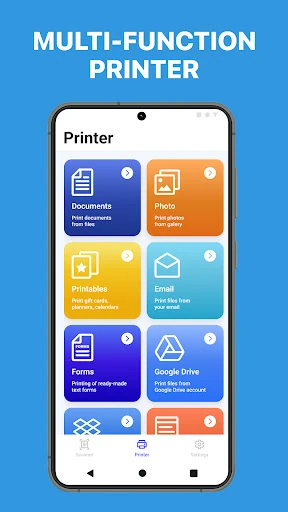
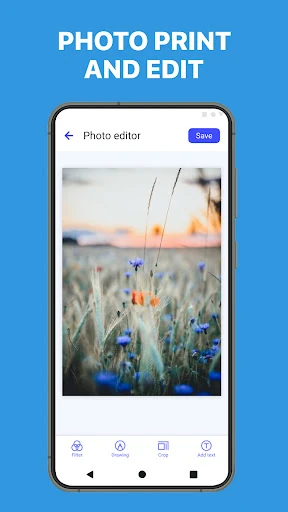
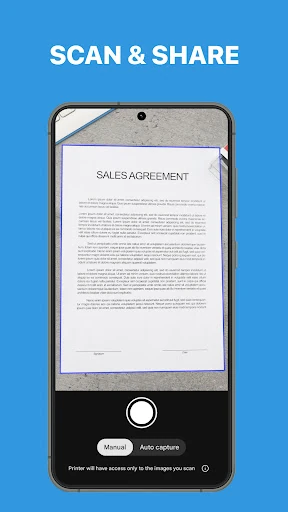
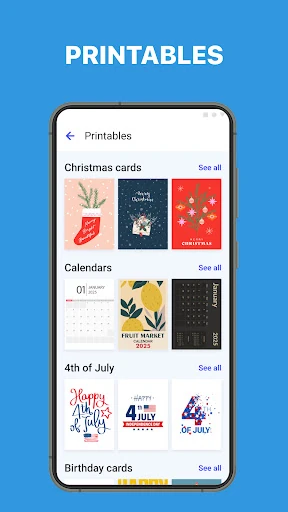
Smart Printer: Print Documents connects an Android device with a wide range of printers, giving you one place to select files, check the layout, and send jobs to compatible hardware. It suits people who regularly print documents from a phone, including home users, students, and anyone handling work files away from a computer.
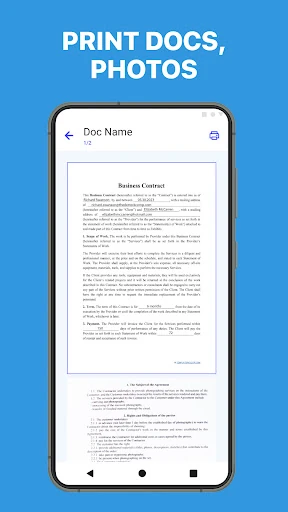
The app supports common document formats such as PDF, Word, Excel, and PowerPoint, along with image files including WEBP and GIF. It can also work with files opened from a web browser or attached to an email, so printing does not always require saving a separate copy first.
Printer support on Android is often split across separate manufacturer apps. Smart Printer: Print Documents is aimed at users who want a broader, single-app approach instead of matching every printer to its own utility. The preview is particularly practical when margins, orientation, or page selection matter, helping you catch simple mistakes before using paper and ink.
Developed by Albert Gerassimov, the app is listed in the Tools category and has passed 5,000,000 installs. Its rating is about 4.01 from 116,630 reviews, suggesting a widely used utility with a substantial user base. It is best suited to straightforward mobile printing rather than users looking for a full desktop publishing workflow.